
- Use case
- Exposure and vulnerability
- What you get
- Priorities people can explain
- Who decides
- Your team sets the authority.


The challenge
A long list of severe findings does not tell you where to start. Teams need to know which systems are exposed, what they support and how a fix can be delivered safely.
How CloudPeek helps
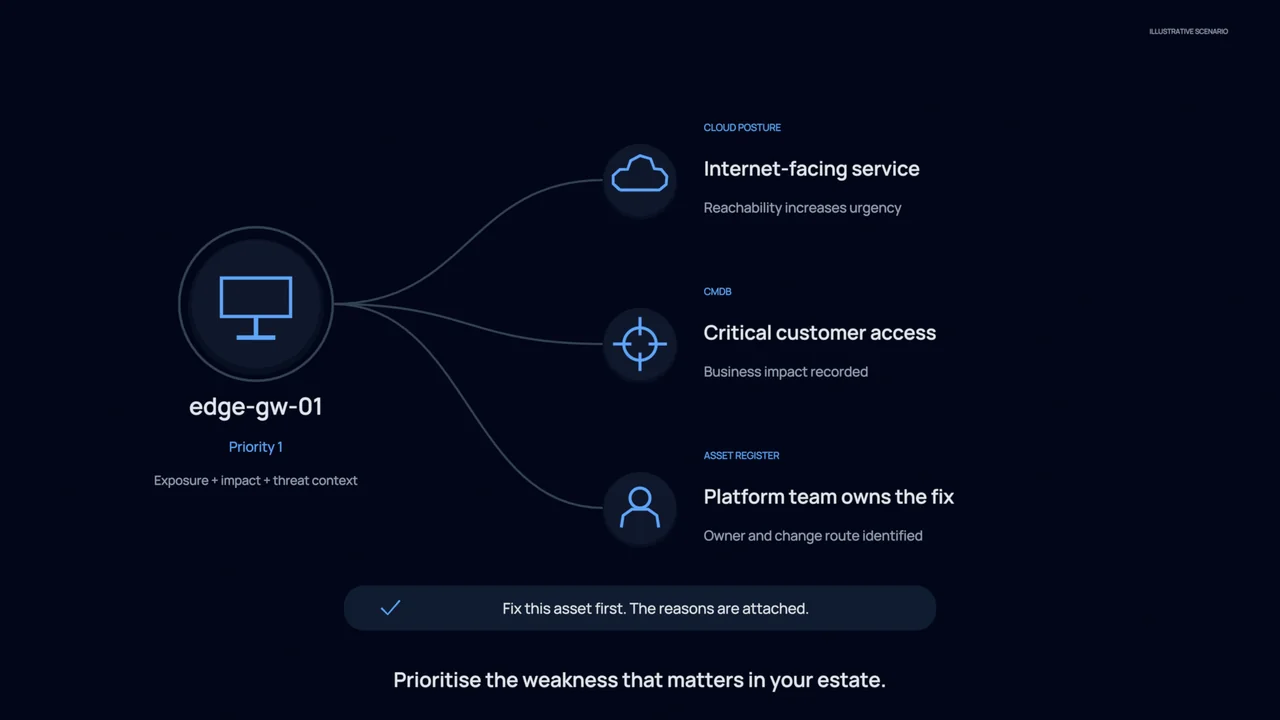
Connects a finding with the affected system, its owner, whether it can be reached by attackers and whether attackers are known to use the weakness, bringing the missing context into the review.
Recommends an order of work based on that context and the importance of the affected systems, with a reason for each priority.
Prepares the recommended update and change request, accounts for agreed times when changes can be made and checks the outcome after an authorised change.
What your team gets
Priorities people can explain
Give the vulnerability lead a ranked list with supporting reasons, rather than relying on severity labels alone.
A clearer route to a fix
Carry the recommended change and its constraints into the approval process, helping owners understand what needs to happen.
Evidence after the change
Record the verification work so your team can review the result instead of treating a completed change as proof.
You stay in control
Assessment starts without changing your systems. Your team approves changes or permits automation only for the systems you choose, within the limits and agreed times for changes that you set.
Explore the technical example
- Runs on
- Tenable · Qualys · Wiz · CMDB · ITSM
- Autonomy
- levels 1 to 3
- OT adjacency
- asset criticality
- runtime coverage
- exploit intel
- FINDINGCVE-2026-1187
- REACHABILITYedge-gw · internet facing
- PRIORITISEcrown jewel adjacent
- FIX PLANpatch + config change
- APPROVEchange window · operator
- FIXEDverified closed
- 09:26:41INGESTScanner findings received. 1,847 open across the estate.
- 09:26:52RESOLVEAssets matched to owners, business criticality and network exposure.
- 09:27:02ASSESSCVE-2026-1187 on edge-gw. Internet facing, known exploited, exploit code public.
- 09:27:08PRIORITISE3 findings meet all four conditions. 1,844 do not and are ranked accordingly.
- 09:27:15PREPAREPatch route identified, change window proposed, owner notified. Held for approval.