
- Use case
- Incident triage
- What you get
- A queue with clear decisions
- Who decides
- Your team sets the authority.


The challenge
An alert queue tells you what arrived, but not what matters. Reviewing repeated warnings and gathering background information takes time away from the incidents that need an experienced person.
How CloudPeek helps
Brings each alert together with relevant information from your connected tools and previous incidents, giving the reviewer a fuller picture.
Groups related alerts and checks the evidence before recommending whether to investigate an issue further or close it with a written reason.
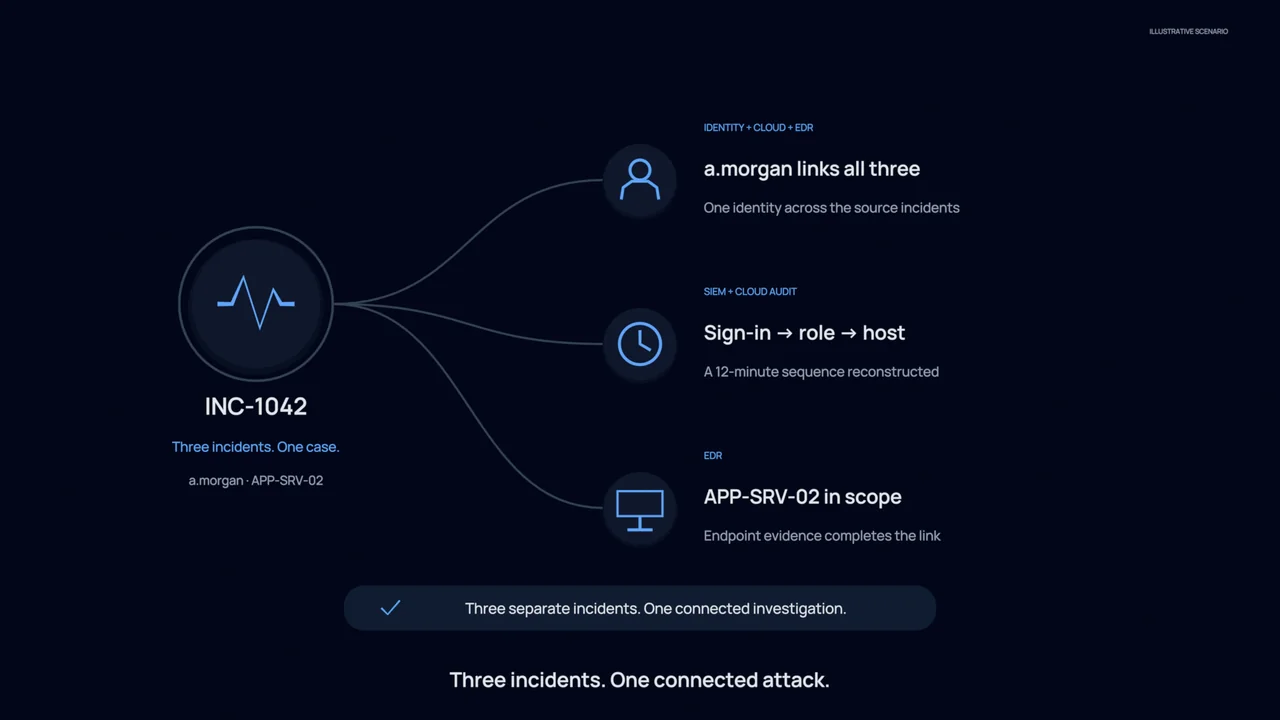
Passes issues that need further work into an investigation, carrying the supporting information forward so your team can pick up the case.
What your team gets
A queue with clear decisions
See the recommended next step for each reviewed alert, rather than another list of unexplained warnings.
Better handovers
Analysts receive the background and evidence with the escalation, reducing the need to start the review again.
Reasons you can review
Keep a written explanation for closures and escalations so decisions can be checked and discussed later.
You stay in control
CloudPeek starts by reviewing information without changing your systems. Your team chooses which steps require approval and which established processes may run automatically within the limits you set.
Explore the technical example
- Runs on
- SIEM · EDR · cloud · identity
- Autonomy
- levels 1 to 3
- verify identity
- geo and ASN
- auth timeline
- prior incidents
- ALERTimpossible travel · j.tan
- NORMALISEschema valid
- CLASSIFYidentity · high
- RUNBOOKsign in triage v4
- INVESTIGATE4 read only checks
- VERDICTbenign · travel on file
- 09:12:04INGEST2,306 detections received across SIEM, EDR and cloud posture in the last hour.
- 09:12:06ENRICHIndicators checked against threat intelligence and 14 months of local history.
- 09:12:22CORRELATEDetections clustered into 41 related groups. Duplicate and known benign patterns collapsed.
- 09:12:48TRIAGE3 escalated to investigation with evidence attached. 2,303 closed, each with a written reason.
- 09:12:49RECORDEvery verdict archived with its reasoning, reviewable and reversible.